
Generic Generic file icon PDF PDF file icon TXT Text file icon DOC Document file icon XLS Spreadsheet file icon ZIP Compressed archive icon JPG Image file icon MOV Video file icon PSD Photoshop file icon Configuration Icon Charge Icon Speedometer Icon YouTube Icon Instagram Icon FaceBook Icon Twitter Icon LinkedIn Logo Download Icon Slide Left Icon Slide Right Icon Play Video Icon Close Icon Add Add button Move Move button Expand Expand button Collapse Collapse button Edit Edit button Settings Icon for settings button Duplicate Icon for duplicate button Copy to Clipboard Icon for copy to clipboard button Delete Icon for delete button Zoom Icon for zoom button Search Icon for search button Item is published Icon for published items (navigation or download) Item is not published Icon for unpublished items (navigation or download) Timed Publishing Icon Item has a publication timer Page is displayed in navigation Icon for displayed elements (navigation, downloads) Page is not displayed in navigation Icon for elements not shown in navigation System Crawler Icon New below Ichon for adding an item below the current one Disconnect icon for disconnect button Play Icon to trigger play function Grid Icon for grid display Calendar Icon for calendar button Time Icon for time button Icon for elements not shown in navigation Icon for unpublished items (navigation or download) Link Icon for Link Navigation Language Icon indicating language change in navigation Logout Topbar logout icon Preview Topbar preview icon Navigation Topbar navigation edit icon Navigation Topbar cinema booking icon Administration Topbar administration icon Website Topbar website icon Account Topbar account icon Back form preview Topbar back from preview icon Add page Topbar add page icon Remove Image chooser delete icon Edit page Topbar edit current page icon Admin back Admin back to overwiew icon Arrow back Arrow next Flex 1/4 Flex 1/3 Flex 1/2 Flex 2/3 Flex 3/4 Flex 1/1 Flex 1/1 Flex 1/1 Flex 1/1

Edition: Tue, 13.07.2021

MAS in Human-Machine Interactions

I am about to finish my 3-year MAS in "Human Computer Interaction Design" at the University of Applied Sciences Rapperswil. Since the term is not self-explanatory, I will try to describe it:

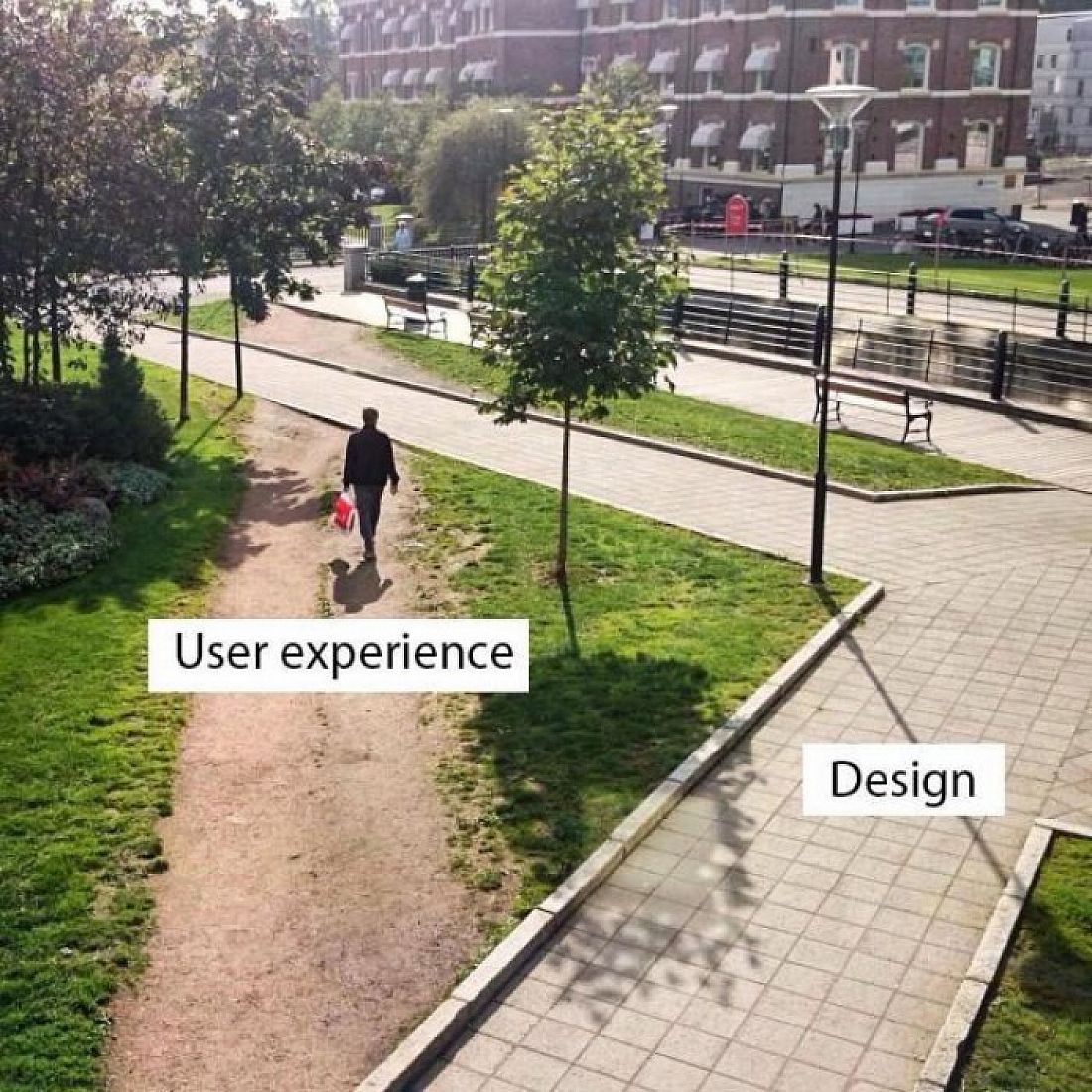
In this further education, the focus is on all of you as users of our software products. We learn methods and tools that help us to better understand our users, their demands, wishes and expectations. And further, how we translate these insights into an understandable and beautiful design.

When we develop a new app or a new function for an existing product, it should not suit the developer, but you as a user. It should support you in your daily activities and make your life a little bit easier.

A few of you have already experienced this. We did a lot of interviews for our new Fleet App. For the calendar and claims management, Matthias Röthlin showed me his workflows and problems. Others have tested design sketches on paper and given us valuable feedback.

To give you a simple example, let's look at the path of our upcoming Fleet App.

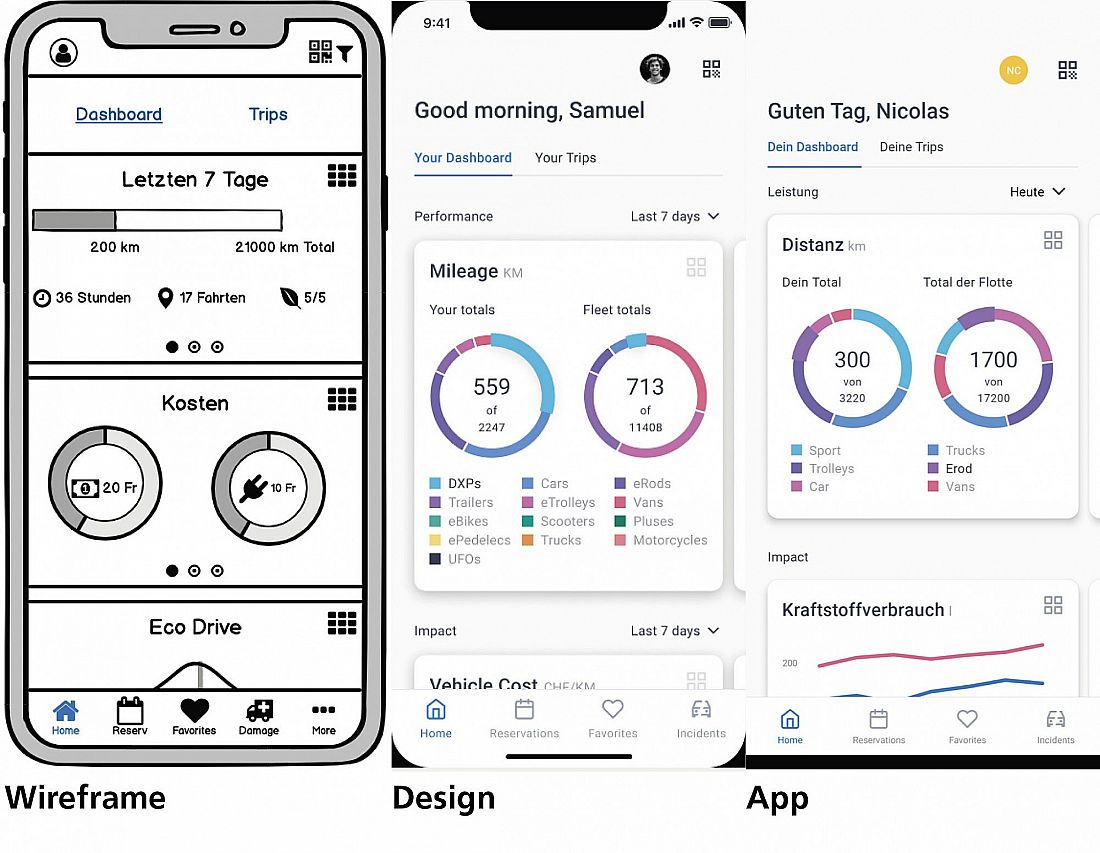
The three pictures on the right show the path from idea to finished app.

After we have collected all the information and suggestions, we sketch out a possible app, the wireframe. This is tested, for example, to see how well a vehicle can be reserved and whether the user interface is quick and easy. In order to make improvements quickly, we only do these tests with wireframes. When we are satisfied with the results, we turn the wireframes into a nice design (Figure 2). Only then does it go into software development. The programmers then use the design like a blueprint and programme the app from it (image 3). Once the app has passed all the tests, it is published.

It's a long process, from an idea to implementation. That's what my studies are all about. If you are interested in participating in a test or interview, please send me an email. I would be very pleased.